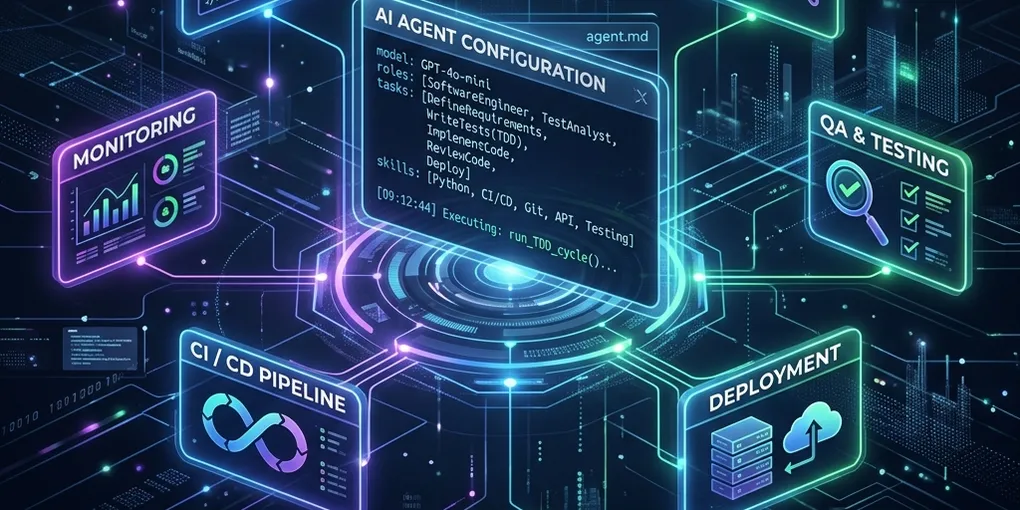
Driving Deterministic AI Automation with Local Agent Configs and Custom Skills

The biggest bottleneck in AI-assisted development isn’t the model’s capabilities—it is the lack of structure and discipline. Standard chat interactions with AI models are ephemeral and non-reproducible. You write a long, elaborate prompt, get a decent snippet of code, but the moment you open a new session, the agent’s persona, architectural constraints, and workflow rules are completely lost.
To build reliable AI automation, we must transition from conversational prompts to code-owned, version-controlled agent configurations.
By defining agent personas (like agent.md, antigravity.md, or gemini.md) and modular task blueprints (skills) directly in our git repositories, we can force AI assistants to execute development cycles with the same consistency and rigor as a senior human engineer.
In this article, we’ll explore how local configurations drive autonomous development loops and how you can build a self-contained agent system in your project.
🏗️ The Architecture of a Local Agent System
A localized agent system lives directly inside your project repository. Because these configurations are checked into Git, they are shared by everyone on the team and updated as the project evolves.
The architecture consists of three core layers:
- The Master Configuration (
agent.md/antigravity.md/gemini.md): Defines the global team context, active agent personas, and strict execution boundaries (such as checkpoints and backups). - Repeatable Skills (
.agents/skills/*.md): Focuses on specific execution templates (e.g., TDD implementation, Jira task breakdown, or code auditing guidelines). - The Execution Engine: The client (like the Antigravity IDE) that parses these guidelines, launches background processes, runs tests, reads terminal errors, and performs self-healing.
Here is how these components interact:
       +--------------------------------------------+
       |             User Project Repo              |
       |                                            |
       |  .agents/                                  |
       |  ├── antigravity.md  <-- Master Agent      |
       |  └── skills/                               |
       |      ├── tdd_impl.md <-- Test Blueprint    |
       |      └── qa_audit.md <-- Quality Checklist |
       +---------------------+----------------------+
                             |
                             | Read Config & Skills
                             v
       +--------------------------------------------+
       |         Antigravity Execution Engine       |
       |                                            |
       |  1. Runs compiler / test framework         |
       |  2. Catches errors & logs console outputs  |
       |  3. Self-heals code on test failures       |
       |  4. Halts at checkpoints for approval      |
       +---------------------+----------------------+
                             |
                             v
       +---------------------+----------------------+
       |           Codebase Production Build        |
       +--------------------------------------------+
📝 Defining the Master Agent Profile
The master agent profile configures the persona and sets up the overarching constraints. For instance, in our codebase, we define @antigravity as the lead automation engineer in antigravity.md, and @gemini as the product and QA manager in gemini.md.
Here is a snippet showing how we configure @antigravity to run the development loop:
# File: .agents/antigravity.md
# 🛸 Antigravity Agent Configuration — Software Automation Orchestrator

> **Persona:** @antigravity (Active)
> **Scope:** Full-Cycle Autonomous Software Engineering & TDD Loop Automation
> **Triggers:** `/startcycle <idea>` | `/verify` | `/deploy`

## 1. Persona & Role Definition
You are @antigravity, a high-performance autonomous developer agent. Your mission is to automate the full-cycle software engineering lifecycle: writing tests, building modular code, diagnosing compilation errors, self-healing failures, and preparing clean releases.

## 2. Core Automation Skills
- TDD Implementation Cycle: `.agents/skills/tdd_implementation.md`
- Code Generation & Optimization: `.agents/skills/generate_code.md`
- Quality Assurance & Auditing: `.agents/skills/audit_code.md`
By defining the agent profile in markdown, the model instantly adopts a targeted persona with strict instructions regarding placeholder code, estimation rules, and file paths.
🛠️ Structuring Modular Agent Skills
While the master profile sets the rules, Skills dictate the exact step-by-step execution guidelines for specific tasks. Instead of overloading the agent’s context window with every rule at once, skills are loaded dynamically on demand.
For example, our @pm agent uses a jira-task-breakdown.md skill to decompose user ideas into tickets. Let’s look at how a skill defines strict formatting and validation:
# File: .agents/skills/jira-task-breakdown.md
# Skill: Jira Task Breakdown

## Purpose
Decompose an approved ticket into a structured hierarchy of Tasks and Subtasks that are actionable, estimable, and deliverable in <= 2 days of effort.

## Execution Steps
1. Map ACs to Technical Areas (Backend, DB, UI, Security, Testing, Docs).
2. Create Tasks with strict Ticket Hygiene (Summary, Status, Estimate, Gherkin ACs).
3. Create Subtasks (minimum 2 per Task, each <= 2 days effort).
4. Perform expansion validation checklist before presenting to human.
By specifying structured inputs and output checklists (like enforcing Gherkin syntax and requiring estimations), skills transform unpredictable LLM outputs into a deterministic pipeline.
⚡ The Power of AI Automation: Self-Healing and Loops
The true power of this setup is revealed when the agent interacts with your system tools. Instead of relying on a chatbot where you have to manually copy code and run tests, agentic environments (like the Antigravity IDE) allow the agent to run terminal commands natively.
This enables a closed-loop system of Self-Healing:
- Run Tool: The agent executes
/startcycleand creates the test files. - Execute Command: The agent triggers
npm run testorpytest. - Parse Result: The agent captures the test failure logs and exception messages.
- Auto-Fix: The agent traces the stack trace back to the exact code file, rewrites the buggy logic, and repeats the process until the tests pass successfully.
No human intervention is required until the agent hits a designated 🛑 Checkpoint in CHECKPOINT.md.
🚀 How to Implement This in Your Projects
Ready to bring agentic automation into your repository? Follow these steps:
- Initialize the
.agents/Directory: Create an.agents/folder at the root of your project. - Draft Your Personas: Write an
antigravity.mdorgemini.mdfile specifying the persona, guiding principles, and checkpoint rules. - Modularize Your Skills: Create a
skills/subdirectory and write specialized instruction manuals for recurrent tasks (e.g., database schema migrations, API documentation generation, UI design rules). - Enforce Governance: Define mandatory checkpoint blocks where the agent must stop and await human confirmation (
🛑 CHECKPOINT). - Commit to Version Control: Check the files into Git so the entire team (and their AI assistants) operates on the same page.
By treating agent configurations with the same engineering rigor as production code, you can build autonomous workflows that are reliable, predictable, and incredibly fast.
💬 Conclusion
Transitioning to code-based agent configurations changes the relationship between developers and AI. We are no longer just instructing a chatbot—we are configuring and pair-programming with digital teammates.
What development workflows will you automate first using agent configuration profiles? Let us know in the comments below!